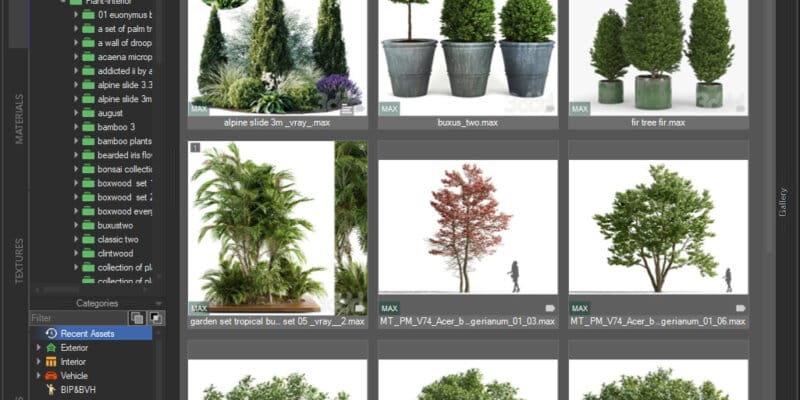
Smart selection behaviorIf your current selection is a Forest object, imported items are added to that object.If your current selection is not a Forest object, the script creates a new Forest object and offers your currently selected scene objects as distribution surfaces.If nothing suitable is selected, you’ll be prompted to pick surfaces/splines.What it doesImports the chosen models from Project Manager directly into your scene.Creates a new Forest object if the current selection is not a Forest, otherwise adds the assets to the selected Forest.Adds the imported models to the Forest object’s Geometry list.Optionally assigns your selected surfaces/splines to the Forest object’s Surface/Areas for distribution.RequirementsiToo Forest Pack Lite or ProProject Manager 3.40.34 or newest Supported filesAny model formats you can import via Project Manager and your renderer (e.g., .max, .fbx, renderer-native proxy formats, etc.)Typical workflowSelect a Forest object or select scene objects you want to use as surfaces.In Project Manager, select the model files to scatter.Run Forest Pack Bridge (button/hotkey).Confirm surfaces/areas if prompted, then fine-tune your Forest settings as usual.https://youtu.be/6wKRcQLymdgVideo can’t be loaded because JavaScript is disabled: Customize Project Manager interface (https://youtu.be/6wKRcQLymdg)